stop filling the google play data safety form manually
By Wajahat Karim • 13.Nov.2026
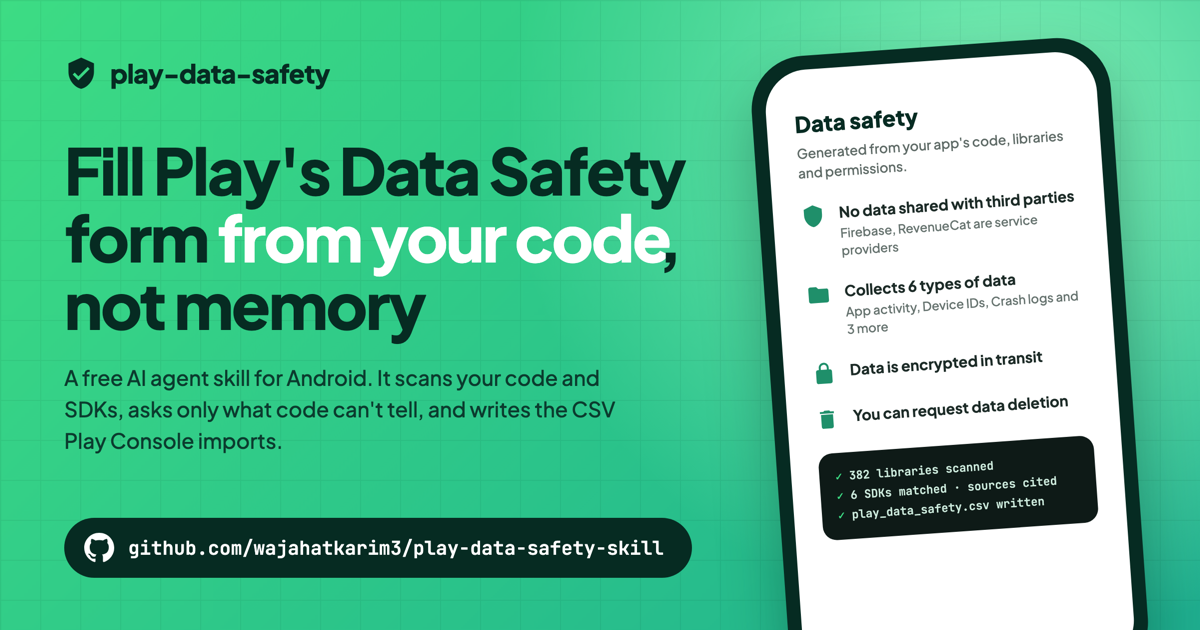
if you have ever published an app on google play, you know the data safety section. it's 10+ screens of forms where you declare every type of data your app collects. is it shared? why do you collect it? is it encrypted? can users delete it? and you answer all of that again for every single data type. in that horrible, annoying ui flow.
what most people don't know is that you don't have to click through all of it. play console has an import from csv button on the data safety page. you upload one file and all those forms get filled in one go.
but here's the catch. that csv is around 780 rows of machine ids like PSL_DATA_USAGE_RESPONSES, and play is very strict about it. i often faced formatting issues where play just wouldn't accept the file. answer a question that should be hidden and it fails with "you cannot answer PSL_ACCOUNT_DELETION_URL". leave one empty and it fails again.
so i built it for nowkit first
when i was building nowkit, i added a command that generates this csv for you. in the exact format google play needs. you just upload it and it works.
i have used it in all of my apps since then. and my students in the shipkaro weekend program have used it in all of their 30+ apps, which are live on google play now.
so i thought, why keep it inside nowkit? every android developer has to fill this form. so i open sourced it separately.
play data safety
it's called play data safety and it's a free agent skill for android developers. it works with gemini in antigravity, claude code, codex, cursor and pretty much any ai coding agent that supports skills.
github.com/wajahatkarim3/play-data-safety-skill
you install it with one command in your android project:
npx skills add wajahatkarim3/play-data-safety-skill
then you just tell your agent "fill my play data safety form". and here's what happens:
- it runs your project's own gradle to find every library, even the ones you never added yourself.
- it reads your permissions and looks through your code for things like location, camera, audio and network calls.
- it matches your libraries against a table of 36 sdks, each one mapped from the vendor's own docs.
- it asks you only what code can't tell.
- it writes the csv. you upload it. done.
no changes in your app. no account. no api key. nothing paid. it only needs jdk 17, which you already have if you build android apps.
it even found a mistake in my own app
when i ran it on one of my apps whose form i had already submitted, it found a data type i had missed. the app calls PostHog.identify() with the user's id, which means user ids are collected. my form didn't say that.
it also skipped 9 scary looking permissions in the manifest, like camera, contacts and microphone, because they were all commented out. so no pointless questions.
why not just ask ai to fill it?
because ai guesses. ask any model what crashlytics collects and it will answer very confidently, from training data which might be a year old.
so the skill doesn't let the agent decide what an sdk collects. that comes from the table, with a link to the vendor's docs and the date it was checked. the agent does the talking, and the table does the facts.
it's still a draft you should read before submitting, not legal advice. but it's a draft with proof behind every answer.
please give it a ⭐
if this saves you from those forms even once, please give it a star on github. it really helps other android developers find it. and if your app uses an sdk that's not in the table yet, prs are very welcome.
so next time play console opens that data safety flow, skip the forms. upload the csv.